Chapter 1: ROS Overview and Environment Setup
Learning is a step-by-step process. Specifically in software development within the computer field, when approaching a new knowledge module, the general procedure involves first understanding the relevant concepts of that module, then installing the official software packages, followed by setting up its integrated development environment... Only after these preparations are complete can we truly say we have knocked on the door to this new domain.
For learning ROS, we also follow this process. As the opening chapter of the ROS system, the main content of this chapter is as follows:
- Relevant concepts of ROS
- How to install ROS
- How to set up the integrated development environment for ROS
After completing this chapter, the expected goals to be achieved are:
- Understand ROS concepts, design goals, and development history
- Be able to independently install and run ROS
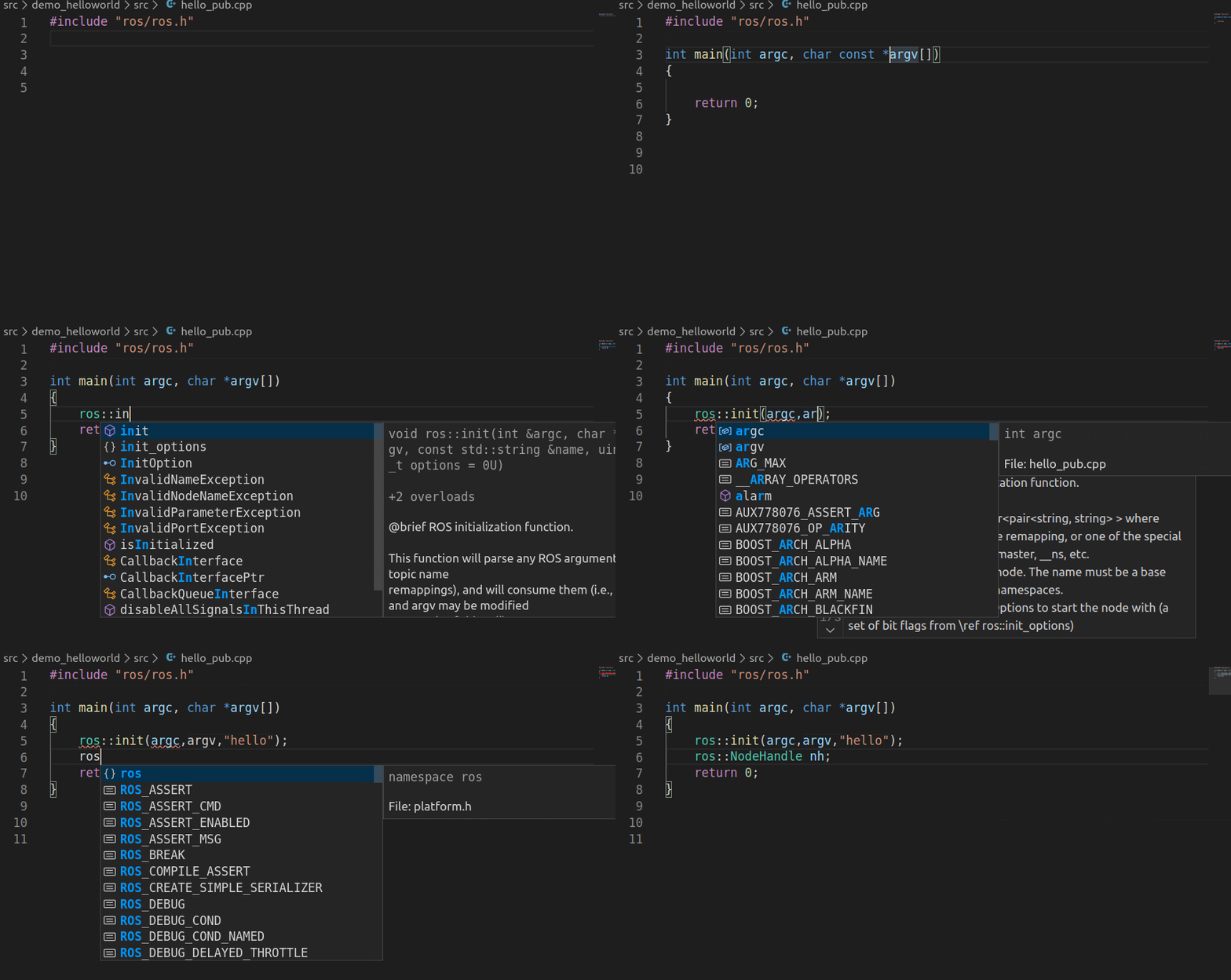
- Be able to implement a ROS version of HelloWorld using C++ or Python
- Be able to set up the integrated development environment for ROS
- Understand the architectural design of ROS
Case Demonstrations:
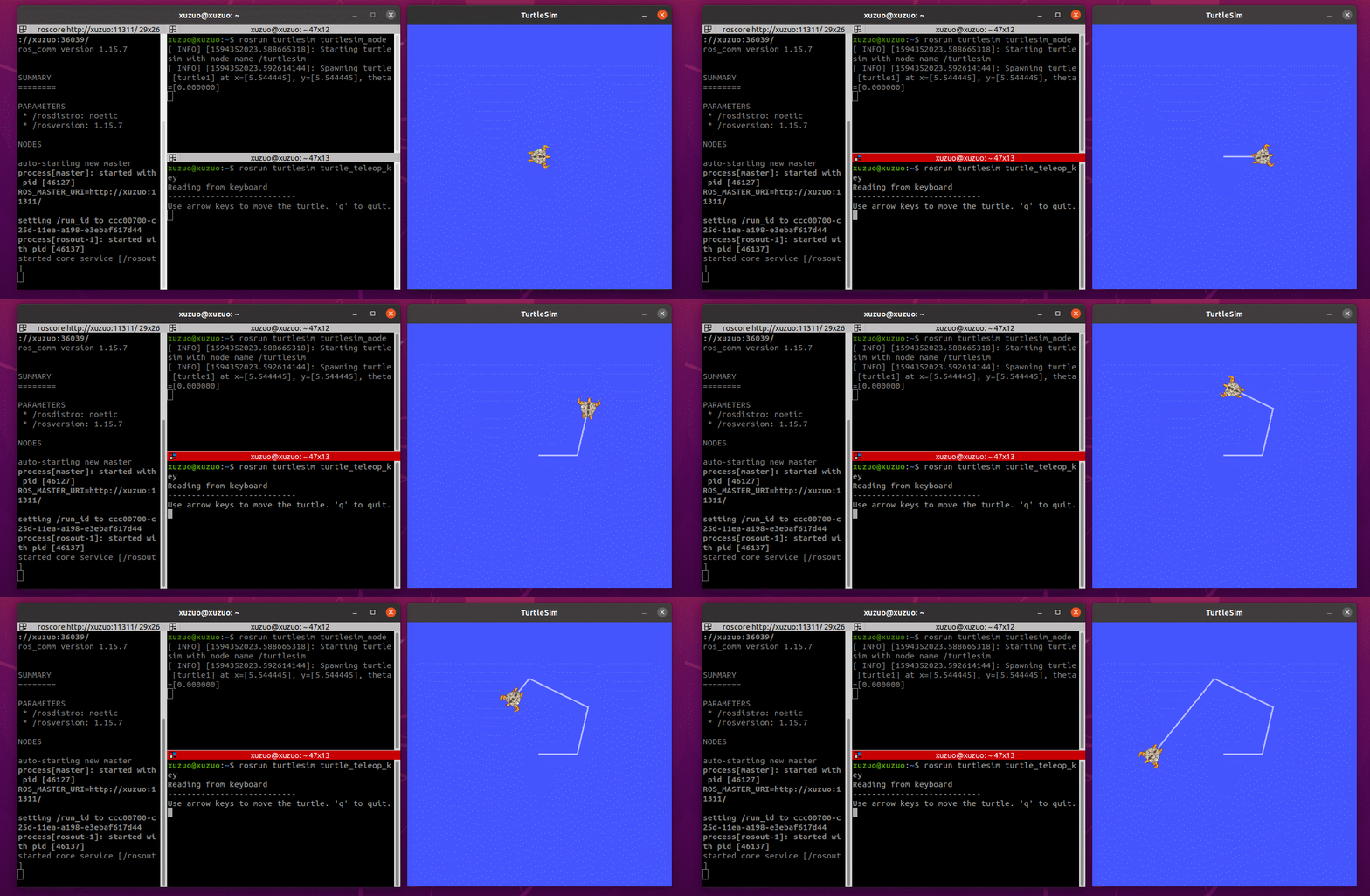
- After successful ROS installation, you can run the built-in demo: This demo controls turtle movement via the keyboard.
- Using VScode as the integrated development environment can improve development efficiency.